
Resend Email
v2.2.0Screenshots
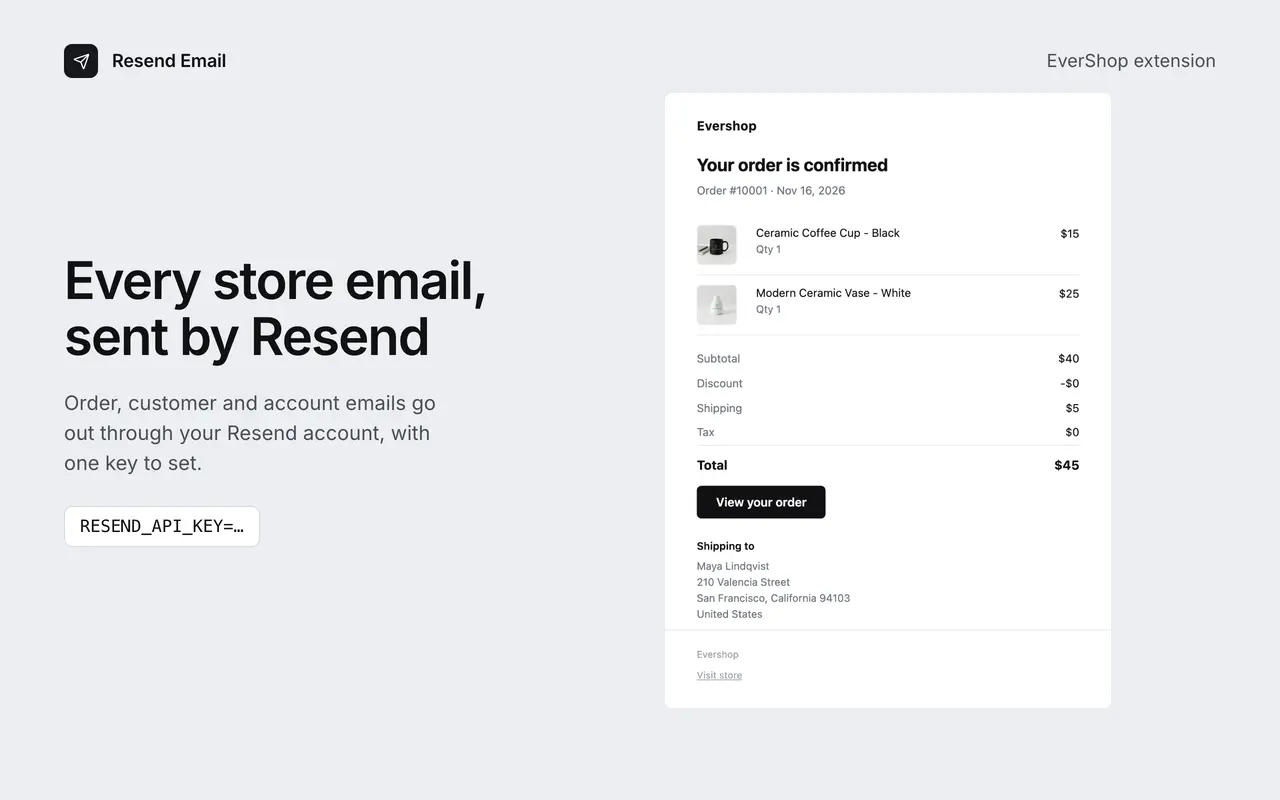
Overview
A Resend extension for EverShop. This extension is used to send email to customers.
Note: This version requires EverShop version 2.1.1 or higher.
Installation
Step 1: Install the extension package
npm install @evershop/resendStep 2: Register the extension by adding it to the config file
// config/default.json
{
  ...,
  "system": [
    ...,
    "extensions": [
        ...,
        {
          "name": "resend",
          "resolve": "node_modules/@evershop/resend",
          "enabled": true,
          "priority": 10
        }
    ]
  ]
}
Step 3: Configure the extension
Add your Resend API key to the .env file
RESEND_API_KEY=your_api_keyStep 4: Configure the email templates
// config/config.json
{
  ...,
  "system": {
    "notification_emails": {
      "from": "noreply@example.com",
      "order_confirmation": {
        "enabled": true,
        "templatePath": null, // In case you want to manage email template manually from source code. It should be the relative path from the project root. Missing this field or setting it to null will use the default template from EverShop
      },
      "customer_welcome": {
        "enabled": true,
        "templatePath": null,
      },
      "customer_password_reset": {
        "enabled": true,
        "templatePath": null,
      }
    }
  }
}
Highlights
All store emails
Order, customer and account emails EverShop sends go out through your Resend account.
One key to set
Set RESEND_API_KEY and enable the extension; there is nothing else to configure.
Replies reach the right person
Reply-To and CC are passed through, so a reply to a contact-form email goes to the visitor.
Requirements
- EverShop 2.x
- SMTP / email service
- API key
Be the first to review this product
Write a review
Please log in to share your review of this product.
Changelog
v2.2.0
Nov 2026
- ### Added
- Reply-To and CC are passed to Resend, so a reply to a contact-form email reaches the visitor.
Extensions
Resend Email
v2.2.0Send every EverShop email, from order confirmations to password resets, through Resend with one API key.
Self-hosted
Download the extension for your own EverShop installation.
Free
Download from your orders — always the latest version.
- Version
- 2.2.0
- Last updated
- 2026-11-13
- Category
- Extensions
- Type
- Extension
- Compatibility
- EverShop 2.x
- Package
- @evershop/resend