
Google Sign-In
v2.2.1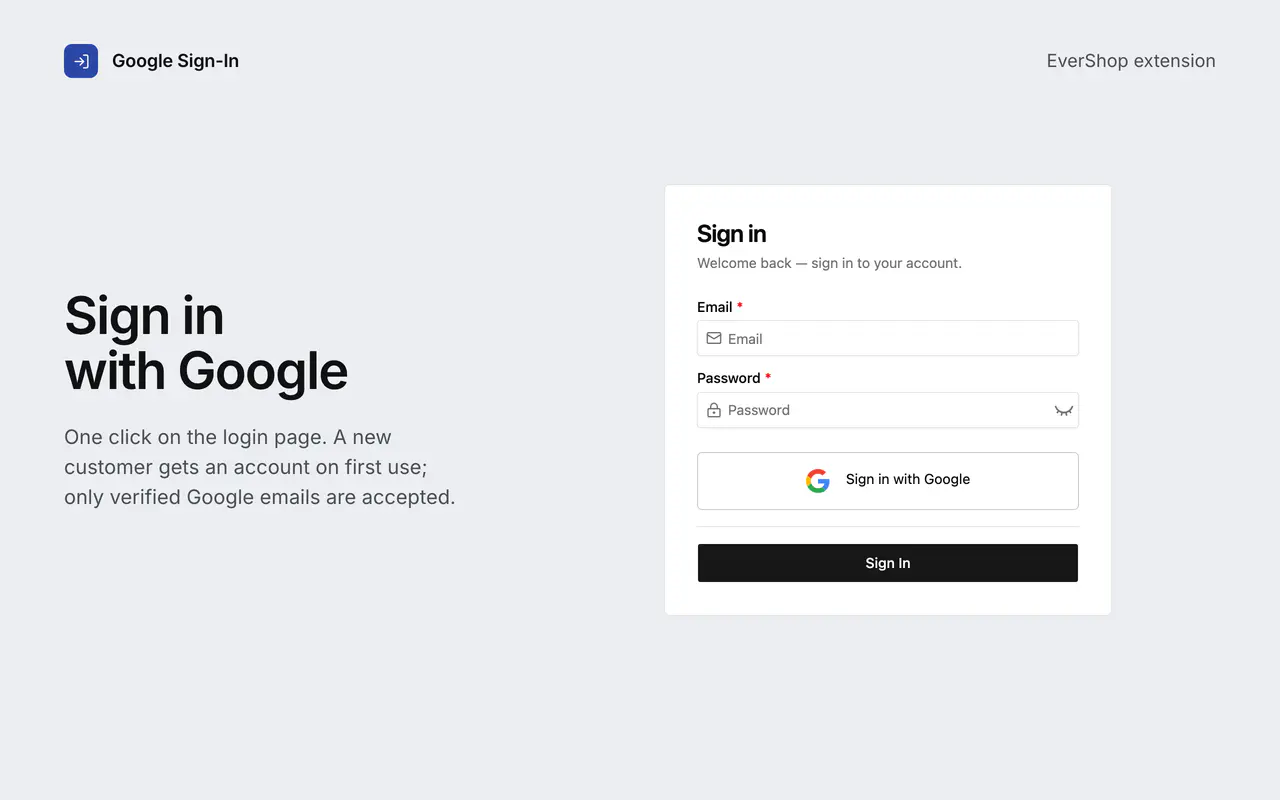
Overview
This extension allows customer to login to EverShop using your Google account.
Core compatibility
Version 2.2.x requires EverShop 2.4.0 or higher. It signs customers in with core's request.loginCustomer and finds them with getCustomerByEmail, which EverShop 2.4.0 added. On EverShop 2.0.1 – 2.3.x, use version 2.1.1 (npm install @evershop/google_login@2.1.1).
What changed in 2.2.1
- The package includes the route files and the button's stylesheet that 2.2.0 left out. With 2.2.0 the store's build fails and the Google sign-in pages do not exist, so use 2.2.1.
What changed in 2.2.0
- Only a Google account with a verified email can sign in or sign up.
- The account lookup ignores letter case, like EverShop's own login.
- A new customer gets no password instead of a made-up one, so sign-up keeps working when a store has stricter password rules. The customer can set a password later with "Forgot your password?".
- An email that already belongs to a password account is still refused, and so is a disabled account.
Installation guide
Step 1: Install the extension using npm:
npm install @evershop/google_loginStep 2: Enable the extension
Edit the config/default.json file in the root directory of your EverShop installation and add the following line to the extensions section:
{
  ...,
  "system": {
    ...,
    "extensions": [
      ...,
      {
        "name": "google_login",
        "resolve": "node_modules/@evershop/google_login",
        "enabled": true,
        "priority": 10
      }
    ]
  }
}
Step 3: Add the Google client ID, secret and some other configuration options
Edit the .env file:
  GOOGLE_LOGIN_CLIENT_ID="YOUR_GOOGLE_CLIENT_ID"
  GOOGLE_LOGIN_CLIENT_SECRET="YOUR_GOOGLE CLIENT_SECRET"
  GOOGLE_LOGIN_SUCCESS_REDIRECT_URL="https://example.com"
  GOOGLE_LOGIN_FAILURE_REDIRECT_URL="https://example.com/account/login"
Step 4: Run the build command
npm run buildNote: You can get the Google client ID and secret from the Google API Console.
Highlights
One-click sign-in
A "Sign in with Google" button on the login page creates the account on first use.
Verified emails only
Only a Google account with a verified email can sign in, and an email that already has a password account is refused.
No password to remember
New Google customers get no password; they can set one later with "Forgot your password?".
Requirements
- EverShop 2.x
- Third-party account
- API key
Be the first to review this product
Write a review
Please log in to share your review of this product.
Changelog
- ### Fixed
- The package includes the route files and the button's stylesheet that 2.2.0 left out.
Google Sign-In
v2.2.1Let customers sign in, or create an account on first use, with their Google account in one click from the EverShop login page.
Self-hosted
Download the extension for your own EverShop installation.
Free
Download from your orders — always the latest version.
- Version
- 2.2.1
- Last updated
- 2026-11-13
- Category
- Extensions
- Type
- Extension
- Compatibility
- EverShop 2.x
- Package
- @evershop/google_login